 我的书签
我的书签
 添加书签
添加书签 移除书签
移除书签激活和安装phpstorm、GoLang、IDEA、PyCharm
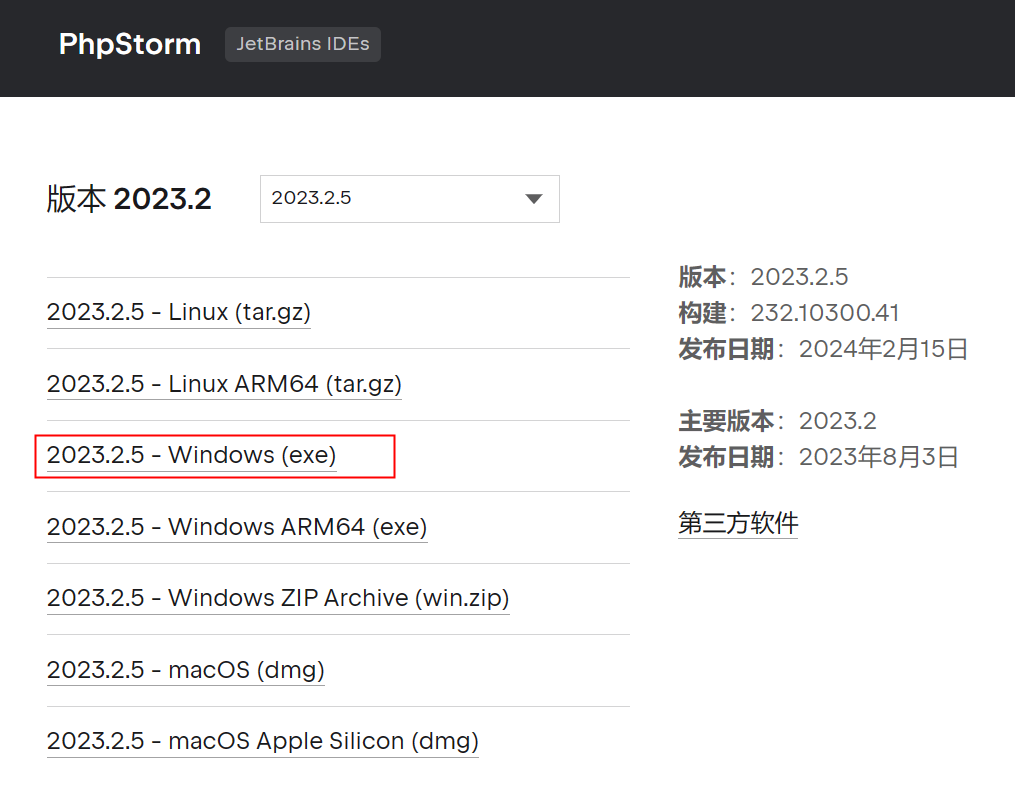
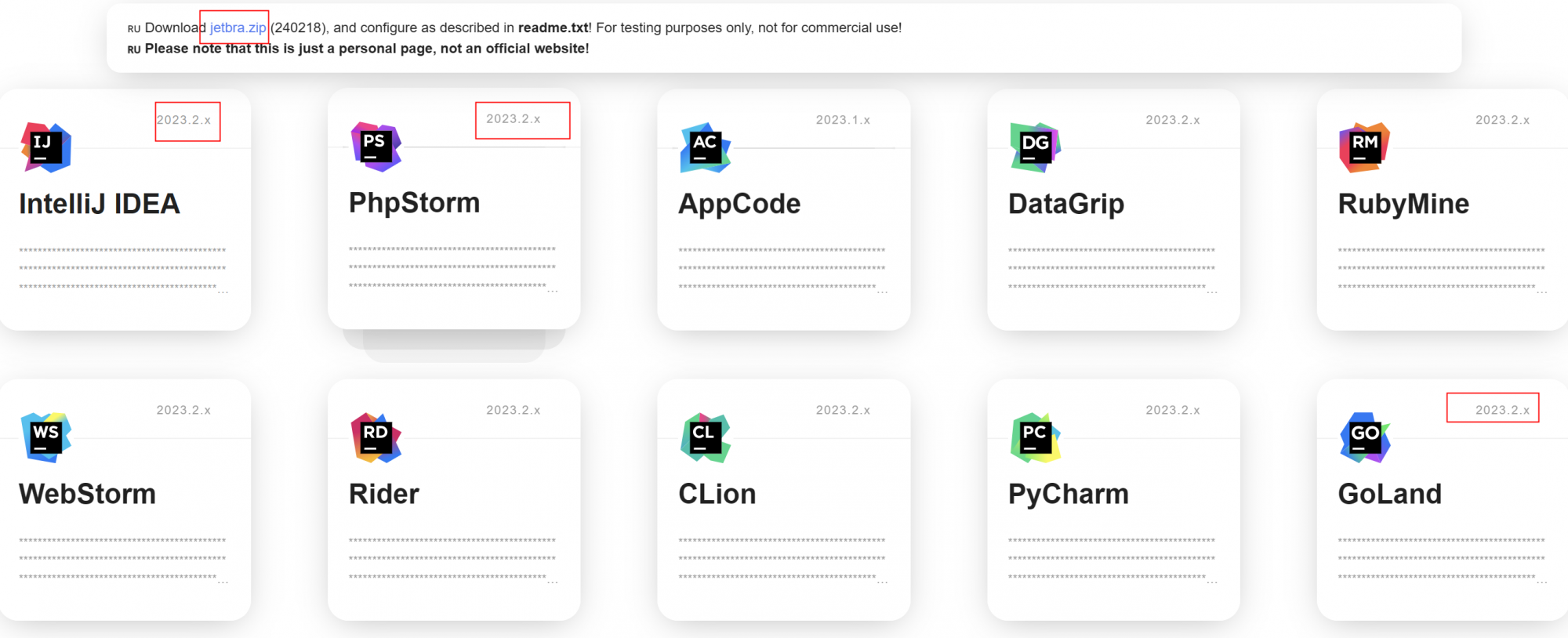
一、下载对应版本(如上图中的2023.2.x)的软件应用
1.phpstorm https://www.jetbrains.com.cn/phpstorm/download/other.html
2.GoLang https://www.jetbrains.com/go/download/other.html
3.IDEA https://www.jetbrains.com.cn/idea/download/other.html
4.PyCharm https://www.jetbrains.com.cn/pycharm/download/other.html
5.DataGrip https://www.jetbrains.com.cn/datagrip/
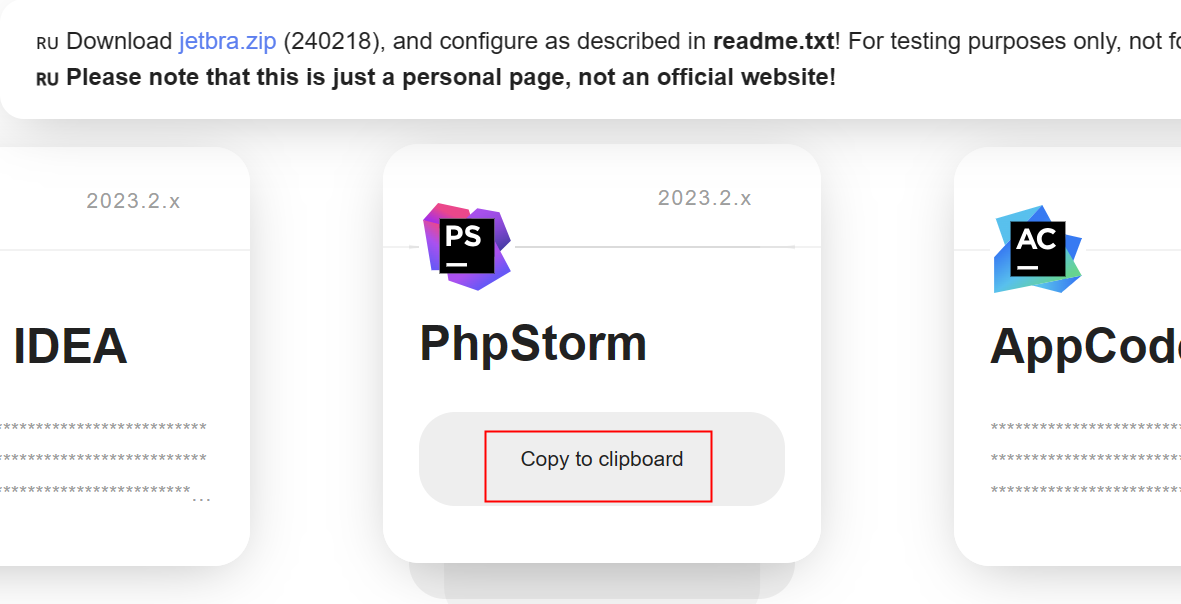
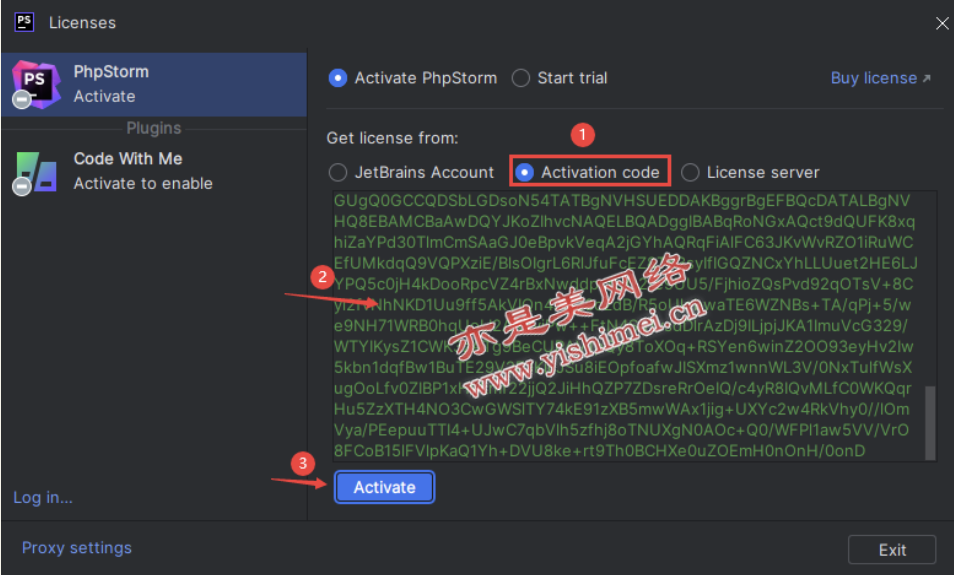
登录安装好的应用,复制激活码:

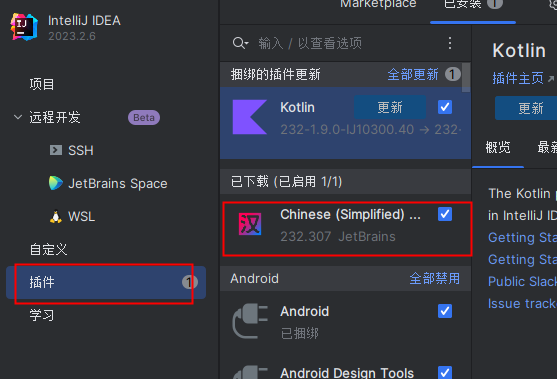
下载中文语言包:
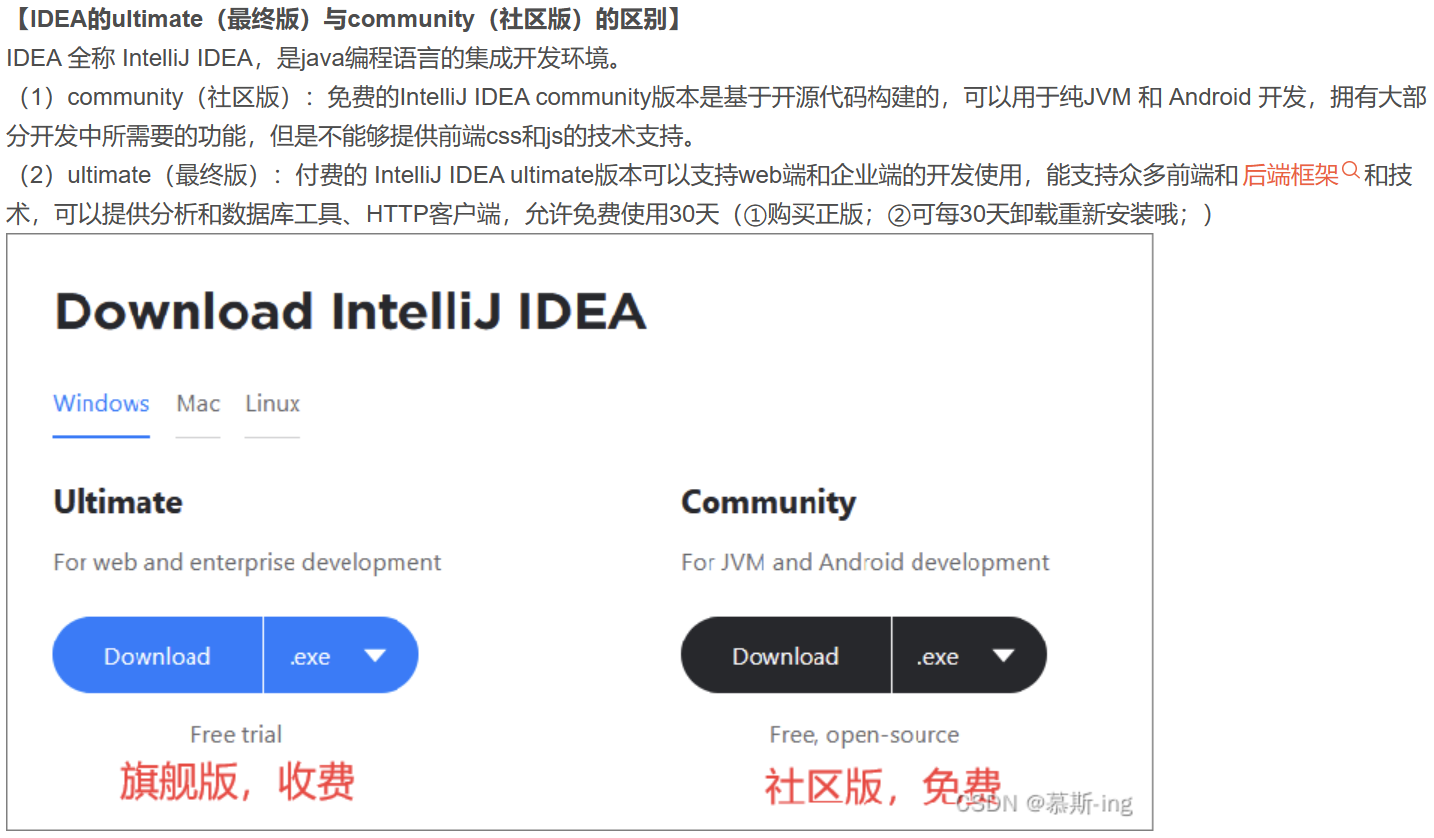
idea下载的是U版,区别如下图:
二、下载jetbra.zip 激活码(或者叫破解)
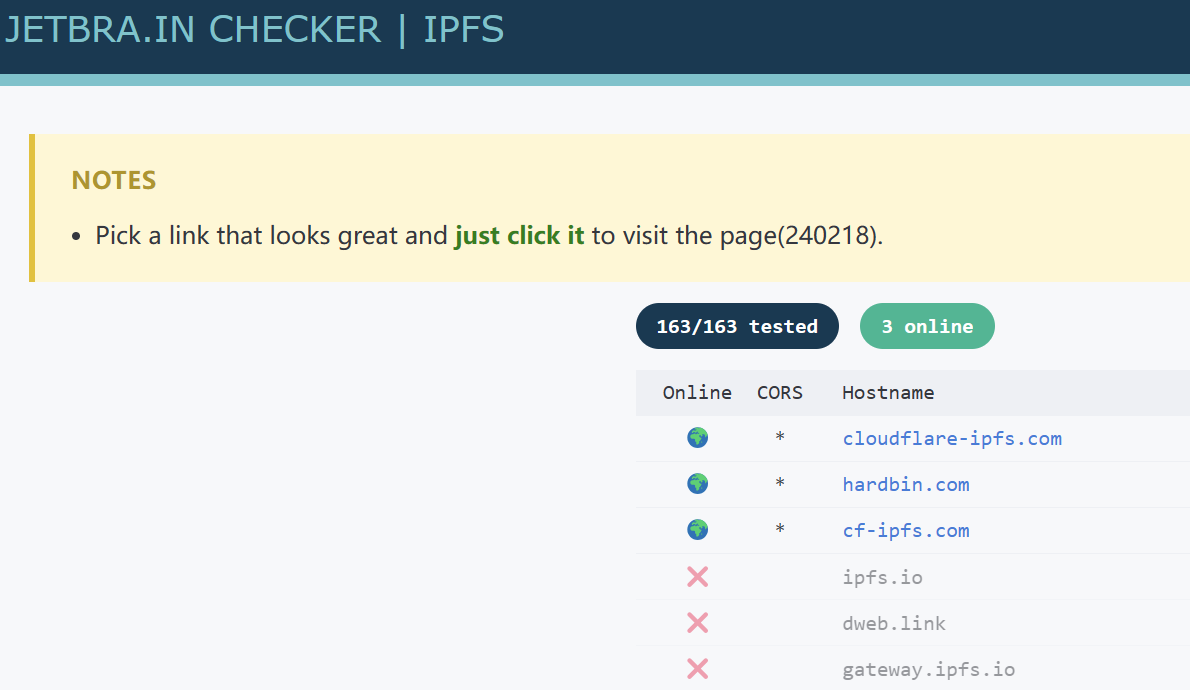
访问(估计要开VPN)https://3.jetbra.in/并点击其中一个网站,点击下载jetbra.zip(此页面先不要关闭,后面还要用到)
三、【window】运行 install-all-users.vbs
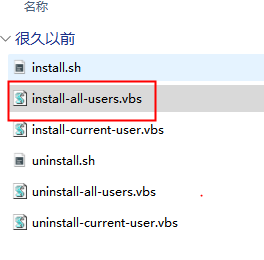
解压jetbra.zip后进入目录(jetbra/scripts/),并双击运行install-all-users.vbs,并点击确认(注:提前选择好目录,运行之后不要再移动)
四、【mac】运行 install.sh
cd /Users/lison/Downloads/jetbra/scriptsbash install.sh
成功如下:

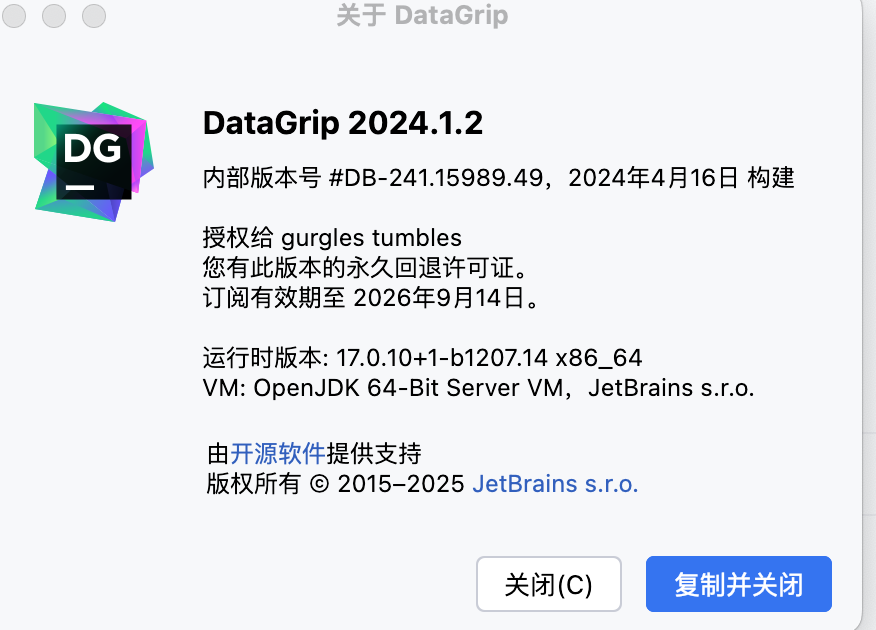
在阿里云网盘的 jetbra 下载下来,放到“下载”里
1、运行:D:\jetbra\scripts\install-all-users.vbs2、https://3.jetbra.in/ 复制激活码,复制到IDEA或phpstorm里,如果“激活”按钮不可用,重启IDEA 又可以了
